Smart TV Screen Flickering
Smart TV Screen Flickering – A common yet frustrating issue that many smart TV users face is screen flickering. This phenomenon can disrupt your viewing experience, making it challenging to enjoy your favorite shows and movies. Understanding the reasons behind this problem can help in finding effective solutions.
What Is Happening
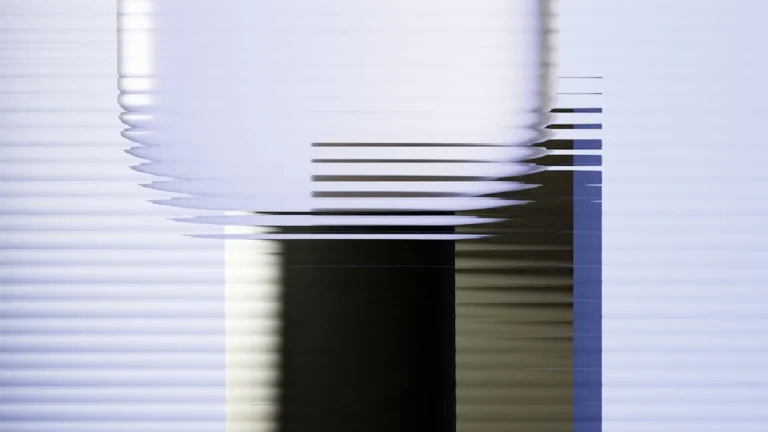
Screen flickering on a smart TV typically manifests as quick, intermittent flashes or a noticeable change in brightness. This can occur sporadically or continuously, depending on various factors, and it can be particularly alarming for viewers. The flickering can happen during specific scenes or while navigating the TV’s interface, which raises concerns about the device’s functionality and longevity.
Why This Happens
There are several potential causes for screen flickering in smart TVs. One common reason is a poor connection between the TV and external devices such as cable boxes, gaming consoles, or streaming devices. Loose or damaged cables can disrupt the signal, leading to flickering. Another cause may be related to the TV’s settings, including refresh rate discrepancies or incorrect resolution settings that do not match the content being displayed.
Additionally, software issues can contribute to flickering. Outdated firmware may not be fully compatible with the content being streamed, leading to visual artifacts. Overheating can also play a role; if the TV’s internal components become too hot, it may lead to performance issues, including screen flicker. Lastly, hardware malfunctions, such as failing components within the display panel, can also cause this problem.
Who Is Affected
Screen flickering can affect anyone who owns a smart TV, regardless of the brand or model. However, certain groups may be more prone to the issue. Users who frequently switch between different input sources, such as cable and streaming services, may notice flickering more often due to the constant changes in resolution and refresh rates. Additionally, those who utilize their smart TVs for gaming are likely to encounter this issue, particularly if they are using high-performance gaming consoles that demand specific settings for optimal display.
The impact of screen flickering extends beyond mere inconvenience. It can lead to frustration and a diminished viewing experience, causing viewers to become disengaged from the content. In some cases, persistent flickering may signal an underlying problem that could worsen over time, potentially resulting in costly repairs or the need for a new device.
What You Can Do
- Check all cable connections to ensure they are secure and undamaged. Replace any faulty cables to see if the flickering issue resolves.
- Adjust the TV settings by navigating to the display options and ensuring that the resolution and refresh rate settings are compatible with the content being viewed. Consider updating the TV’s firmware to the latest version to eliminate software-related issues.
FAQ
Why is my smart TV flickering only on certain channels? This may indicate an issue with the signal quality from that specific channel. Check your cable connections or consult your service provider to ensure that the channel is functioning correctly.