HTTP Error 408 Request Timeout
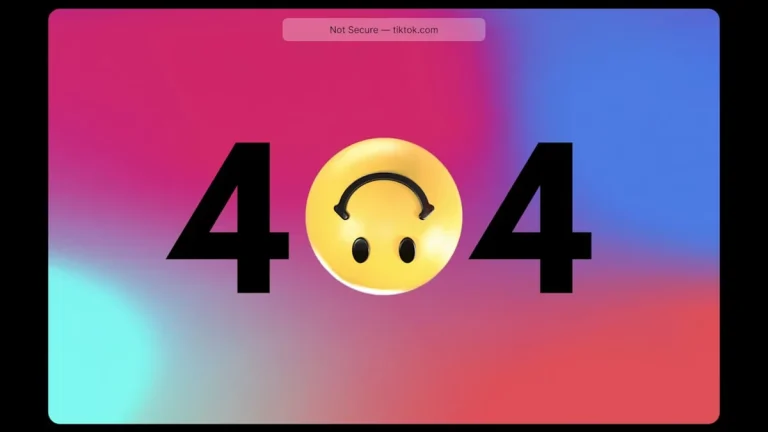
HTTP Error 408 Request Timeout – When users encounter the HTTP Error 408, it signifies a problem with the connection between the client and the server that leads to a timeout. This error is often frustrating and can impede the user’s ability to access the desired resources. Understanding the implications of this error can help users navigate the issue more effectively.
What Is Happening
The HTTP Error 408 indicates that the server did not receive a complete request from the client within the server’s allotted timeout period. Essentially, the server is waiting for the client to send a request, but the client either fails to send it or takes too long to do so. When this timeout occurs, the server responds with a 408 status code, signaling that the request has failed due to inactivity or delays from the client side.
Why This Happens
There are several reasons that can lead to an HTTP Error 408. One common cause is a slow or unstable internet connection, which can prevent the client from sending the request in a timely manner. Network congestion can also contribute to this issue, as it might delay the data packets being transmitted between the client and server. Additionally, if the client’s device is under heavy load or experiencing resource limitations, it may not process the request quickly enough. Other potential causes include misconfigured server settings, firewall issues, or problems with the web browser itself that can lead to delays in sending requests.
Who Is Affected
The impact of HTTP Error 408 can be felt by various parties involved in the web communication process. End users who are trying to access a website or web application may experience frustration and downtime, leading to lost productivity or dissatisfaction. For website operators, persistent 408 errors can indicate underlying issues in server performance or network reliability, potentially leading to increased bounce rates and decreased user engagement. Additionally, developers and system administrators may need to troubleshoot and resolve the issue, which can require time and technical resources.
What You Can Do
- Check your internet connection for stability and speed. If you are using a wireless connection, try switching to a wired connection or moving closer to the router to enhance signal strength.
- Refresh the page or try accessing the website at a later time. Sometimes, temporary network issues can resolve themselves, allowing you to successfully send your request.
FAQ
What should I do if I keep encountering HTTP Error 408? If you repeatedly encounter this error, consider checking your internet connection, clearing your browser cache, or trying a different web browser. If the issue persists, it might be worth contacting your ISP or the website’s support team for further assistance.