How to Fix WiFi Lag on Smart TV
How to Fix WiFi Lag on Smart TV – If you’re experiencing frustrating delays while streaming your favorite shows or movies on your smart TV, you’re not alone. WiFi lag can be a significant nuisance, hindering your viewing experience and leading to a lack of enjoyment. Fortunately, there are several methods to diagnose and resolve this issue, ensuring a smoother streaming experience.
What Is Happening
WiFi lag on a smart TV occurs when there is a delay in the transmission of data over your wireless network. This delay can manifest as buffering, freezing images, or low-quality video playback. As a result, you may find that your streaming service is interrupted, making it difficult to enjoy content without constant interruptions. Understanding the underlying causes of this lag is crucial to effectively address the problem.
Why This Happens
Several factors can contribute to WiFi lag on your smart TV. One common cause is a weak WiFi signal. If your router is too far from your TV, or if there are physical obstructions such as walls or furniture, the signal strength may diminish, resulting in slower data transmission. Additionally, network congestion can occur if multiple devices are connected to the same network, competing for bandwidth. This is especially prevalent in households with many smart devices, such as smartphones, tablets, and other streaming devices. Furthermore, outdated firmware on your smart TV or router can hinder performance, leading to connectivity issues. Lastly, interference from other electronic devices, such as microwaves or cordless phones, can disrupt the WiFi signal, exacerbating lag issues.
Who Is Affected
Anyone with a smart TV can be affected by WiFi lag, regardless of the brand or model. This issue is particularly prevalent among families or individuals who enjoy streaming high-definition content, as the demand for bandwidth increases. Moreover, users in apartments or densely populated areas may experience additional challenges due to competing networks and physical obstructions. The impact can range from minor disruptions to significant interruptions that can ruin the viewing experience. As streaming services become more integrated into daily life, addressing WiFi lag on smart TVs has become increasingly important for maintaining entertainment quality.
What You Can Do
- Check Your Internet Speed: Start by testing your internet speed using a speed test tool. Ensure that your internet plan meets the requirements for streaming. If your speed is significantly lower than expected, consider contacting your Internet Service Provider (ISP) for assistance.
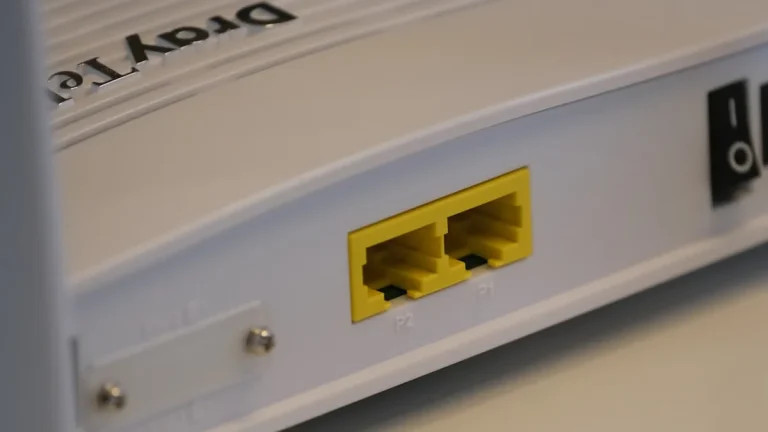
- Optimize Your Router Placement: Position your router in a central location in your home, away from walls and obstructions. Elevating the router can also improve signal strength. If possible, use a WiFi extender to enhance coverage in areas where the signal is weak.
- Limit Connected Devices: Disconnect devices that are not in use to free up bandwidth. This can improve the performance of your smart TV when streaming.
- Update Firmware: Regularly check for firmware updates for both your smart TV and your router. Keeping your devices up to date can resolve compatibility issues and improve overall performance.
- Use Ethernet Connection: If possible, connect your smart TV directly to the router using an Ethernet cable. This wired connection can eliminate lag and provide a more stable connection compared to WiFi.
FAQ
Why is my smart TV lagging while streaming? There are several potential reasons for lagging, including a weak WiFi signal, network congestion from multiple devices, outdated firmware, or interference from other electronics. Identifying and addressing these factors can significantly improve your streaming experience.