How to Fix Phone Overheating While Charging
How to Fix Phone Overheating While Charging – In an age where smartphones are integral to daily life, dealing with overheating issues during charging can be a significant concern. An overheated phone can lead to reduced performance, battery damage, or even safety hazards. Fortunately, understanding the causes and identifying actionable steps can help mitigate these issues effectively.
What Is Happening
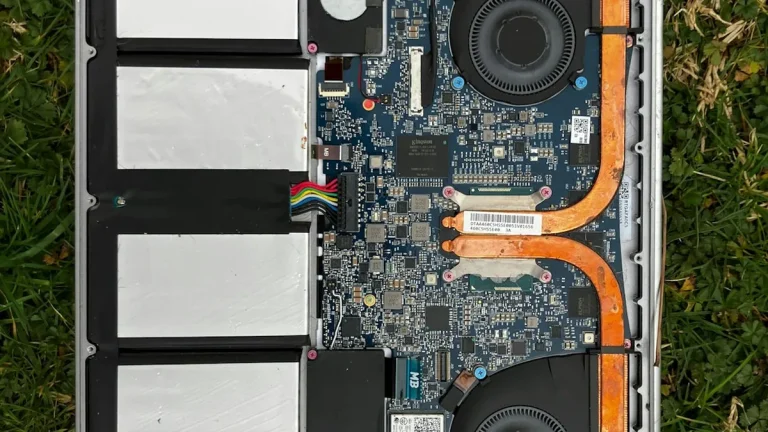
When a smartphone overheats while charging, it typically means the device is struggling to manage the heat produced during the charging process. The battery, charging port, and internal components generate heat, and if this heat is not adequately dissipated, it can lead to excessive temperatures. This is not only uncomfortable for the user but can also potentially harm the phone’s internal components and battery longevity.
Why This Happens
There are several reasons why a phone may overheat while charging. One of the primary causes is the use of a charger that is not compatible with the device. Incompatible chargers can deliver too much current, resulting in overheating. Additionally, using the phone while it is charging can create extra heat, as the CPU and other components are working hard at the same time. Environmental factors, such as high ambient temperatures or charging the phone in direct sunlight, can also contribute to overheating. Lastly, software issues, such as outdated operating systems or poorly optimized apps, can cause the phone to work harder than necessary during charging.
Who Is Affected
Almost every smartphone user can be affected by overheating issues during charging. This is particularly true for individuals who frequently charge their devices overnight or while engaging in resource-heavy tasks, such as gaming or streaming videos. Users of older devices may experience these problems more acutely, as battery efficiency tends to decline over time. Additionally, those living in warmer climates or who often use their phones in hot conditions may find themselves facing overheating issues more frequently than others.
What You Can Do
- Use the Original Charger: Always use the charger that came with your device or a certified replacement. This ensures compatibility and helps regulate the power output, reducing the risk of overheating.
- Avoid Using the Phone While Charging: To minimize heat generation, try to limit the use of your phone while it is charging. If you need to use it, keep activities light and avoid resource-intensive applications.
- Keep the Phone in a Cool Environment: Ensure that the phone is charging in a cool, well-ventilated area. Avoid charging it on soft surfaces like beds or couches that can trap heat.
- Update Software Regularly: Regularly check for software updates, as they often include bug fixes and optimizations that can improve your device’s performance and reduce overheating.
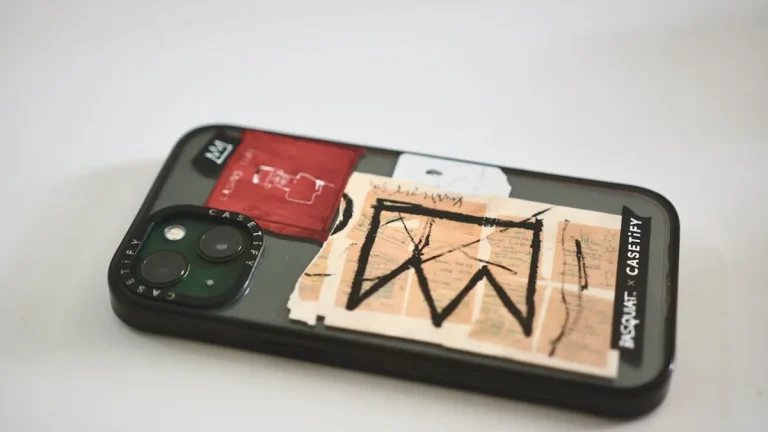
- Remove the Case While Charging: If your phone tends to get hot while charging, consider removing its case. This allows for better heat dissipation and can help keep your device cooler.
FAQ
Is it normal for my phone to get warm while charging? Yes, it is normal for phones to get slightly warm during charging, especially if they are fast charging. However, if it becomes excessively hot, it may indicate an issue that needs to be addressed.