Fix Phone Restarting Automatically
Fix Phone Restarting Automatically – If you find your smartphone restarting unexpectedly, it can be a frustrating experience. This issue can disrupt your daily activities and lead to data loss. Understanding the underlying causes and solutions can help you regain control over your device.
What Is Happening
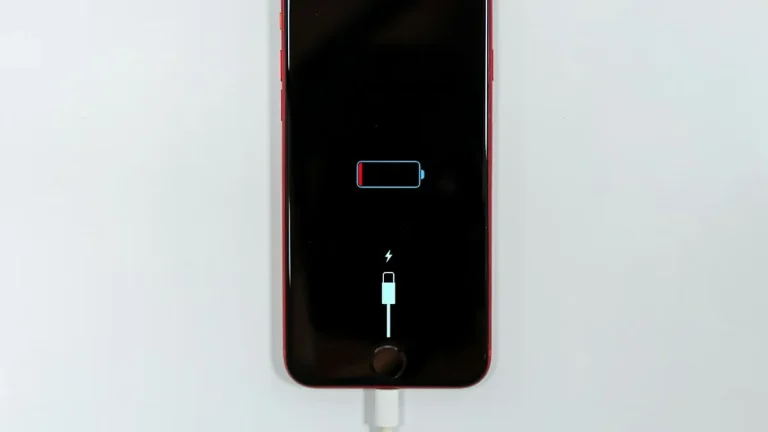
When your phone restarts automatically, it can be due to various reasons ranging from software glitches to hardware failures. This phenomenon, often referred to as “boot looping,” occurs when the device cannot complete the booting process. Instead of reaching the home screen, the phone continuously restarts. This issue can manifest at any time, whether you are using the device, charging it, or even when it is idle.
Why This Happens
There are several reasons why automatic restarts may occur. One common cause is software-related issues, such as outdated operating systems, corrupted applications, or conflicts between installed apps. If your phone has recently undergone a software update, it may have introduced bugs that cause instability.
Another frequent reason is hardware-related problems. This can include issues with the battery, such as it being faulty or not properly connected. Overheating can also trigger restarts, as the phone’s internal mechanisms attempt to protect its components from damage. Lastly, physical damage from drops or exposure to water can lead to malfunctioning hardware, resulting in automatic restarts.
Who Is Affected
This issue can affect anyone using a smartphone, regardless of the brand or model. Users who rely heavily on their devices for communication, work, or entertainment are particularly impacted, as unexpected restarts can interrupt their workflow or cause them to miss important notifications. Additionally, frequent restarts can lead to frustration and anxiety about the reliability of the device, potentially requiring users to seek repairs or consider purchasing a new phone altogether.
What You Can Do
- Restart Your Phone in Safe Mode: Booting your device in safe mode disables third-party applications. This can help determine if an app is causing the issue. To enter safe mode, press and hold the power button, then tap and hold the “Power Off” option until you see the prompt to reboot in safe mode. If the phone runs smoothly, an app is likely the culprit.
- Check for Software Updates: Ensure that your phone’s operating system and applications are up to date. Manufacturers often release updates to fix bugs and improve performance. Navigate to the settings menu, locate the “Software Update” section, and install any available updates.
FAQ
What should I do if my phone keeps restarting? First, try booting your phone in safe mode to identify if a third-party app is causing the problem. If the issue persists, consider checking for software updates or performing a factory reset after backing up your data.