Smart TV Software Update Problem
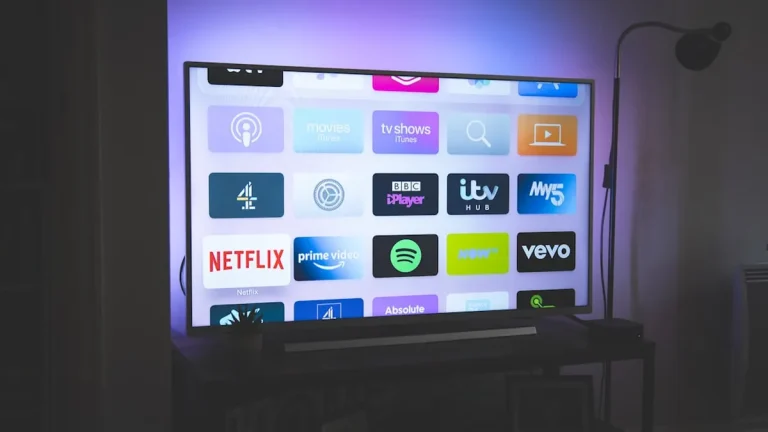
Smart TV Software Update Problem – In the age of advanced technology, smart TVs have become a central entertainment hub for many households. However, users are increasingly facing issues with software updates, leading to frustration and diminished viewing experiences. Understanding these problems and their implications can help users navigate the complexities of smart TV technology.
What Is Happening
Smart TVs rely on software updates to enhance functionality, improve security, and fix bugs. However, numerous users have reported issues during the update process. Problems include failed installations, prolonged update durations, and even complete system freezes. In some cases, the TV may become unresponsive, requiring a factory reset to restore functionality. These problems can disrupt the viewing experience and limit access to streaming services and applications that rely on the latest software features.
Why This Happens
Several factors contribute to the software update problems faced by smart TV users. Firstly, compatibility issues between the TV’s hardware and the new software can cause installation failures. Manufacturers often release updates designed for specific models, and if a TV is outdated or not supported, it may struggle to install the latest software. Secondly, internet connectivity plays a crucial role; slow or unstable connections can interrupt the update process, leading to incomplete installations. Additionally, software bugs within the update itself can create conflicts, resulting in a failure to install or issues post-update. Finally, user error, such as attempting to update the TV during peak internet usage times, can exacerbate these problems.
Who Is Affected
The impact of smart TV software update problems extends beyond individual users. Many households rely on smart TVs for entertainment, education, and information, making these issues particularly disruptive. Families may find themselves unable to access their favorite streaming services or apps, leading to frustration and dissatisfaction. Additionally, customers who have invested significant money in high-end smart TVs may feel let down by the brand if software issues persist. Furthermore, the growing reliance on smart TVs for home automation and other connected services means that software problems can have wider implications for overall home functionality. As manufacturers continue to push for more integrated and feature-rich experiences, addressing software update issues becomes increasingly critical for maintaining customer trust and loyalty.
What You Can Do
- Check your internet connection: Ensure that your smart TV is connected to a stable and fast internet connection. A wired connection is typically more reliable than Wi-Fi.
- Manual update: If the automatic update fails, check the TV settings for a manual update option. Sometimes, manufacturers release troubleshooting steps or alternatives to facilitate the update process.
FAQ
What should I do if my smart TV won’t update? If your smart TV won’t update, start by checking your internet connection and ensuring it is stable. Next, try performing a manual update from the settings menu. If problems persist, consider restarting your TV or contacting customer support for assistance.