Why Is My WiFi Dropping Every Few Minutes
Why Is My WiFi Dropping Every Few Minutes – The frustration of a WiFi connection that drops intermittently can impede productivity, disrupt entertainment, and create difficulties in communication. Understanding the reasons behind this issue and potential solutions can help restore a stable connection.
What Is Happening
Experiencing frequent WiFi drops can be highly inconvenient. This situation typically manifests as a sudden loss of internet connectivity, requiring users to reconnect manually or reset their devices. While some users may notice this issue sporadically, others might find their connection unreliable, leading to interruptions in online activities such as streaming, gaming, or video conferencing. Identifying the cause of these drops is essential for finding an effective resolution.
Why This Happens
There are several potential causes for frequent WiFi disconnections. One common issue is interference from other electronic devices. Appliances such as microwaves, cordless phones, and Bluetooth devices can disrupt the WiFi signal, particularly if the router operates on the 2.4 GHz band. Additionally, physical obstructions like walls and furniture can weaken the signal strength, leading to intermittent connectivity.
Another prevalent cause is an overloaded network. If multiple devices are connected to the same WiFi network, they may consume bandwidth, resulting in slower speeds and connectivity issues. This is particularly true for households with smart devices, streaming services, and online gaming.
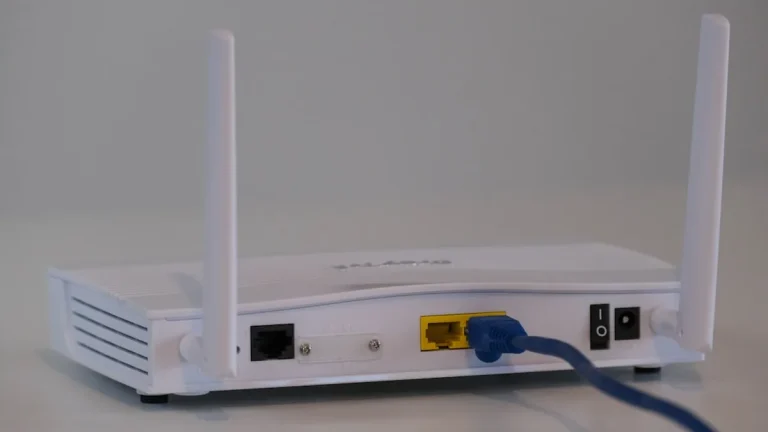
Router settings can also contribute to connectivity problems. An outdated firmware version may cause performance issues, while incorrect configurations can hinder the router’s ability to maintain a stable connection. Furthermore, an outdated router may not support the latest WiFi standards, leading to compatibility issues with newer devices.
Finally, internet service provider (ISP) issues can also result in dropping connections. If the ISP experiences outages or congestion, users may notice disruptions in their WiFi service. In such cases, the problem may not be on the user’s end but rather with the broader network infrastructure.
Who Is Affected
The impact of frequent WiFi drops can vary among users. Remote workers may find their productivity severely hampered by interruptions during video calls or file uploads. Students participating in online classes may struggle to maintain focus if their connection is unreliable. Casual users may become frustrated while streaming shows or playing games, leading to a diminished experience overall. In an increasingly connected world, a stable WiFi connection is essential for both personal and professional activities, making this issue a significant concern for a wide range of individuals.
What You Can Do
- Check for Interference: Identify and minimize interference from other electronic devices. Position your router away from appliances like microwaves and cordless phones. If possible, utilize the 5 GHz band, which is less prone to interference and offers faster speeds over shorter distances.
- Update and Optimize Your Router: Ensure your router’s firmware is up-to-date. Regular updates can improve performance and security. Additionally, consider adjusting the router’s settings to optimize performance, such as changing the channel to avoid congestion from neighboring networks.
FAQ
Why does my WiFi signal drop when I use certain devices? Some devices, such as microwaves and cordless phones, operate on the same frequency as WiFi signals, leading to interference. Additionally, if multiple devices are connected to your network, they may compete for bandwidth, causing drops in connectivity.