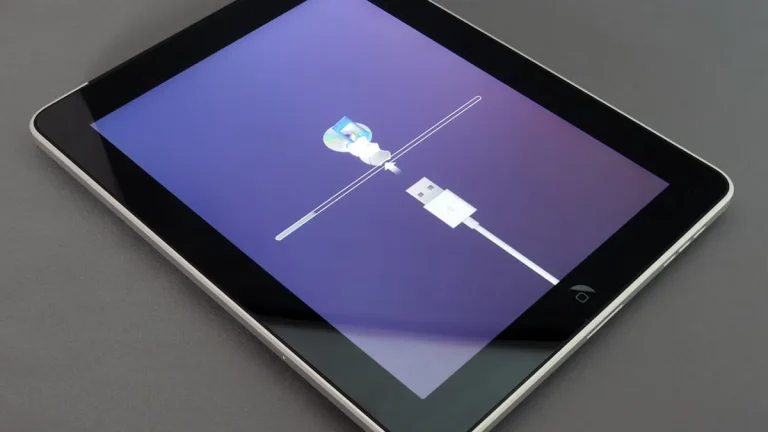
What Is Boot Loop
What Is Boot Loop – A boot loop is a frustrating condition that occurs when a device, such as a smartphone, tablet, or computer, fails to complete its startup process. Instead of successfully booting into the operating system, the device becomes stuck in a continuous cycle of restarting. This issue can be particularly concerning for users, as it renders the device unusable and can lead to data loss if not addressed promptly.
What Is Happening
When a device enters a boot loop, it typically starts by displaying the manufacturer’s logo or a splash screen. However, instead of loading the operating system, the device either shuts down or restarts again, repeating this cycle indefinitely. The user may notice that the device gets stuck at a particular screen or may see various error messages, but it ultimately fails to reach the home screen or functional environment. This cycle can happen after a software update, app installation, or as a result of hardware malfunction.
Why This Happens
Boot loops can occur for several reasons, often stemming from issues related to software or hardware. Some common causes include:
- Software Corruption: This can happen due to interrupted updates, faulty applications, or corrupted system files that prevent the operating system from loading properly.
- Incompatible Software: Installing software or updates that are not compatible with the device’s existing operating system can lead to instability and trigger boot loops.
- Hardware Issues: Physical damage, such as a malfunctioning battery or a damaged motherboard, can interfere with the booting process, causing the device to restart continuously.
- Overheating: If a device overheats, it may shut down and attempt to restart as a safety measure, leading to a boot loop if the temperature does not stabilize.
Who Is Affected
A boot loop can affect virtually any user of electronic devices, including smartphones, tablets, and personal computers. This issue is especially prevalent among individuals who frequently update their software, install new applications, or tinker with device settings. The impact can be significant, as users may lose access to important data and applications. In some cases, individuals may feel compelled to seek professional assistance or may attempt to resolve the issue themselves, which can lead to further complications if not done correctly.
What You Can Do
- Perform a Soft Reset: Often, a simple soft reset can resolve minor software glitches. This can be done by turning off the device and removing the battery (if possible) or using the appropriate button combination to restart the device.
- Boot into Safe Mode: For devices that allow it, booting into Safe Mode can help diagnose and fix issues caused by third-party applications. This mode loads only essential system functions, allowing users to uninstall problematic apps.
FAQ
Can a boot loop be fixed without losing data? Yes, in some cases, boot loops can be resolved without data loss. However, if the issue persists, more advanced troubleshooting may be required, which could lead to factory resets that erase data. It’s advisable to back up important information regularly to mitigate potential data loss.