iOS Update Breaking Notifications
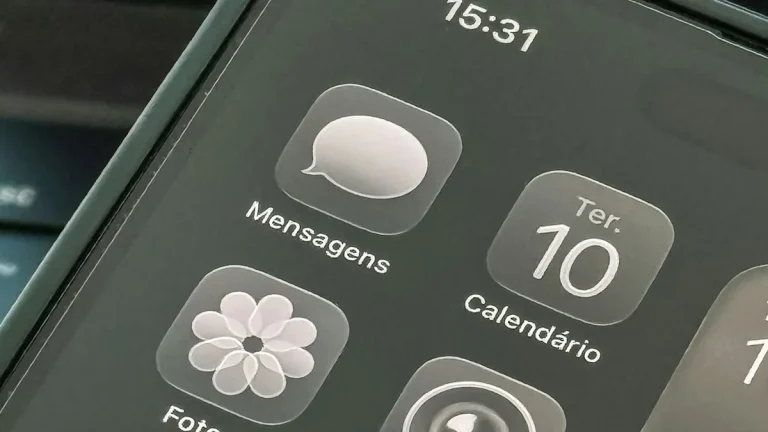
iOS Update Breaking Notifications – In recent weeks, users of Apple’s iOS have reported significant issues with the notification system following the latest software update. Many have found that notifications from various applications are either delayed, not appearing at all, or functioning inconsistently. This situation raises concerns regarding user experience and the reliability of critical alerts.
What Is Happening
The latest iOS update has led to a series of complications that disrupt the notification process on numerous devices. Users are experiencing a range of issues, including missing notifications for messages, calls, and app updates. Some users have reported that notifications appear only after they open the respective applications, while others have found that notifications are entirely absent. This has caused frustration among users who rely on notifications for timely updates and communication.
Why This Happens
These notification issues can be attributed to several factors related to the update’s implementation. One potential cause is the introduction of new features or changes in the notification management system, which may not be compatible with all devices. Additionally, bugs in the software can lead to improper functioning of the notification system. It is also possible that changes in user settings during the update process could inadvertently disable or alter notification preferences. Compatibility issues with third-party applications may further exacerbate these problems, as developers may need time to update their apps to work seamlessly with the latest version of iOS.
Who Is Affected
The impact of these notification issues extends to a wide range of users. Individuals who rely on their devices for work, communication, and personal organization are particularly affected. This includes professionals who depend on timely alerts for emails, calendar events, or project updates. Additionally, users who utilize their devices for social interactions may find themselves missing important messages or updates from friends and family. The disruption can lead to missed opportunities, communication breakdowns, and increased frustration, ultimately diminishing the overall user experience and trust in the iOS platform.
What You Can Do
- Check Notification Settings: Ensure that your notification settings for each app are enabled and configured correctly. Go to Settings > Notifications and review the preferences for individual applications.
- Update Applications: Make sure all your applications are updated to their latest versions. Developers frequently release updates to improve compatibility with new operating systems and to fix bugs.
FAQ
Will Apple fix the notification issues in a future update? While Apple has not officially confirmed a timeline for a fix, software updates are routinely released to address bugs and improve system performance. Users are encouraged to stay updated with the latest information from Apple regarding future iOS releases.