How to Fix Slow App Downloads
How to Fix Slow App Downloads – In an increasingly digital world, the ability to download applications quickly and efficiently is essential for productivity and enjoyment. However, many users encounter frustratingly slow app download speeds, which can hinder their experience. Understanding the reasons behind these delays and implementing effective solutions can significantly enhance your app downloading experience.
What Is Happening
When you attempt to download an app, your device connects to a server that hosts the application. This process involves transferring data over the internet, and various factors can influence the speed and efficiency of this transfer. Slow app downloads can manifest as extended waiting times, interrupted downloads, or even failed attempts to access the app store. Identifying the underlying issues is the first step toward finding a resolution.
Why This Happens
Several factors can contribute to slow app downloads. One common reason is a weak or unstable internet connection. If your Wi-Fi signal is weak or your mobile data is limited, the download speed will suffer. Another factor could be server issues on the app store’s end, which can lead to bottlenecks and delays. Additionally, excessive background activity on your device can consume bandwidth and slow down the download process. Finally, limitations imposed by your internet service provider, such as data throttling during peak times, can further hinder download speeds.
Who Is Affected
Slow app downloads can affect a wide range of users. Casual smartphone users may find it frustrating when trying to download the latest social media app or game. Professionals who rely on specific applications for work may face productivity setbacks due to delays. Moreover, families sharing a single internet connection may experience slower speeds during peak usage times, impacting everyone’s ability to download apps simultaneously. In essence, anyone who relies on mobile applications can be adversely affected by slow download speeds.
What You Can Do
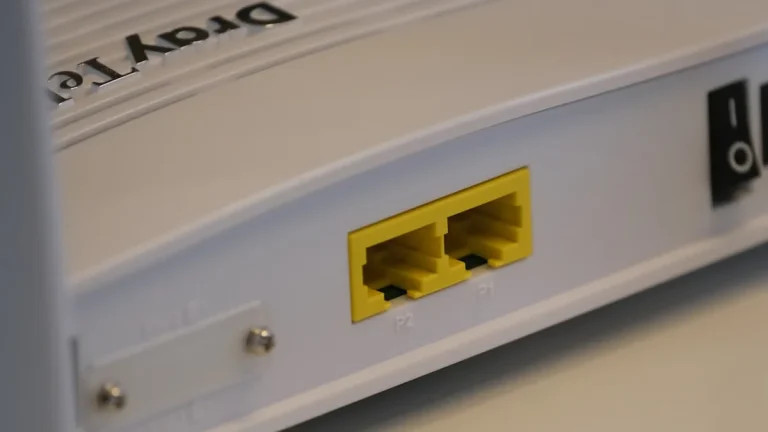
- Check Your Internet Connection: Ensure that your Wi-Fi or mobile data connection is stable and has sufficient speed. You can run a speed test to assess your connection quality and troubleshoot any issues. If you are on Wi-Fi, try moving closer to the router or restarting the device.
- Limit Background Activity: Close unnecessary applications running in the background that may consume bandwidth. On smartphones, check settings to restrict background data usage for specific apps, thereby allocating more bandwidth to your download.
FAQ
Why is my app download speed so slow? Slow app download speeds can result from a weak internet connection, server issues, excessive background activity, or limitations imposed by your internet service provider.