Android Update Breaking Notifications
Android Update Breaking Notifications – In recent times, many Android users have reported issues with their notification systems following software updates. This situation has caused frustration among users who rely on notifications for timely information and updates. As Android devices continue to evolve, understanding the implications of these updates is crucial for users seeking to maintain their device’s functionality.
What Is Happening
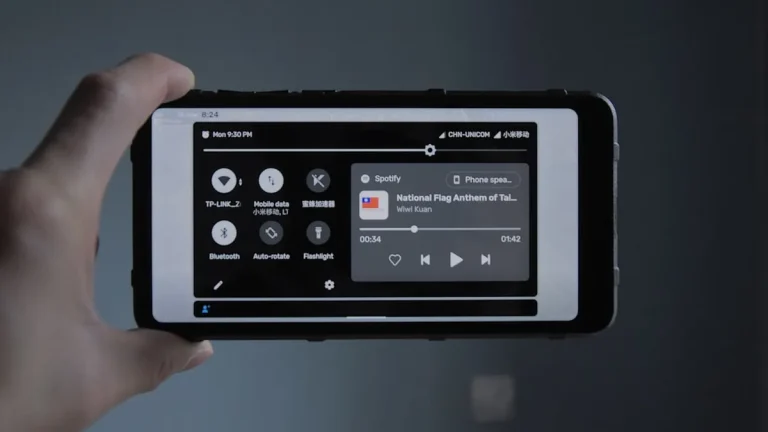
Following recent Android updates, users have encountered significant problems with their notification systems. Reports indicate that notifications are either delayed, missing altogether, or not functioning as intended. In some cases, users have found that notifications do not appear on their lock screens, or they receive sound and vibration alerts without any corresponding message. This issue appears to be widespread, affecting various smartphone brands and models that operate on the Android platform.
Why This Happens
The underlying causes of these notification issues can be attributed to several factors associated with software updates. Firstly, updates often include new features and security enhancements that can inadvertently disrupt existing functionalities. When developers introduce changes to the notification system, it may not always be compatible with older versions of apps, leading to conflicts that prevent notifications from displaying properly.
Secondly, bugs in the new software can also lead to unexpected behavior in notifications. Software testing is a critical phase in the development process, but sometimes issues are missed, resulting in glitches post-release. Additionally, background processes that manage notifications may be affected by system resource changes or altered permissions, causing disruptions in how notifications are handled.
Another factor contributing to these issues is user settings. After an update, some settings may revert to defaults or become misconfigured, causing notifications to be silenced or hidden. Users may not always be aware of these changes, leading to further confusion about their notification settings.
Who Is Affected
This notification problem impacts a broad spectrum of Android users, from casual smartphone owners to business professionals who rely on timely updates for their work. Individuals who depend on notifications for communication, reminders, and alerts are particularly affected, as missing notifications can lead to missed opportunities or important information. Moreover, users of specific apps that are essential for daily tasks may find their experience severely hampered, resulting in frustration and decreased productivity. The implications can extend beyond personal inconvenience, affecting business operations and interpersonal communications.
What You Can Do
- Check Notification Settings: Ensure that your notification settings are configured correctly. Go into your device’s settings and verify that notifications are enabled for the apps in question, and check if any settings have changed post-update.
- Restart Your Device: A simple restart can often resolve minor software glitches. Powering off and then restarting your device can help refresh the system and restore normal notification functionality.
FAQ
Why are my notifications not showing up after the update? Notifications may not be appearing due to changes in your device’s settings, bugs introduced in the update, or compatibility issues with specific apps.
Is there a way to fix the notification issues? Yes, checking your notification settings and restarting your device can help resolve many notification-related issues.
Will future updates fix these notification problems? It is likely that future updates will address these issues as developers typically release patches to fix bugs and improve functionality.
Can I revert to the previous version of Android if I am experiencing severe issues? Reverting to a previous version of Android can be complex and may void warranties. It is advisable to check with your device manufacturer for guidance on this process.