Android Phone Notifications Not Showing
Android Phone Notifications Not Showing – Many users experience a frustrating issue where notifications fail to appear on their Android devices. This can lead to missed messages, calls, and important updates, causing significant disruptions in daily routines. Understanding the causes and solutions to this problem can help users regain control over their notifications and stay informed.
What Is Happening
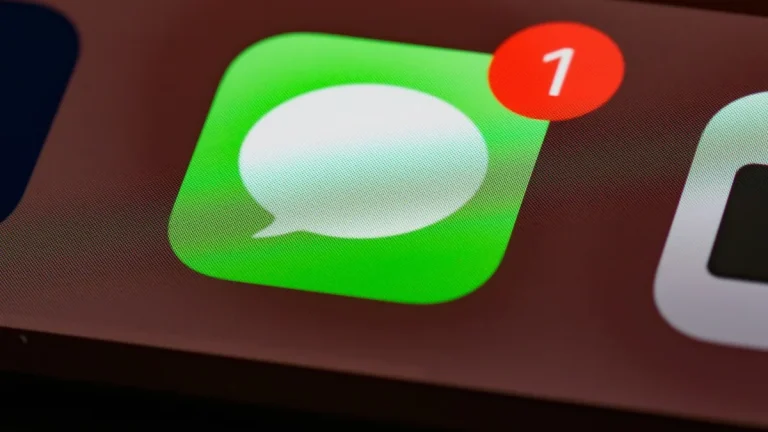
When notifications do not show up on an Android phone, users may notice a complete lack of alerts for messages, emails, app updates, and other important communications. This issue can manifest in various ways, such as notifications not appearing in the notification bar, not producing sound or vibration, or being delayed significantly. The experience can vary from user to user, but the common thread is the inability to receive timely alerts about important activities on the device.
Why This Happens
Several factors can contribute to the failure of notifications on Android devices. First, it may involve settings within the device itself. Users might have inadvertently disabled notifications for specific apps or enabled “Do Not Disturb” mode, which silences all notifications. Secondly, app-specific settings can also be at fault; some applications allow users to customize how and when notifications are received. If these settings are misconfigured, notifications may not appear as intended.
Another possible cause is related to the device’s software. Outdated operating system versions or bugs within the Android framework can lead to notification issues. Additionally, background data restrictions for certain apps can prevent them from sending notifications. Finally, hardware issues, such as a malfunctioning notification LED or other related components, may also play a role. Understanding these factors is essential for troubleshooting the issue effectively.
Who Is Affected
The impact of notifications not showing extends to a wide range of users. Individuals relying on their phones for communication, such as professionals, students, and those managing personal matters, may find themselves missing crucial messages and alerts. This can lead to misunderstandings, missed opportunities, and frustration. Furthermore, the problem can impact overall productivity, as users may spend additional time checking apps manually instead of receiving timely notifications. Ultimately, anyone using an Android device can be affected, regardless of their usage patterns or technical proficiency.
What You Can Do
- Check Notification Settings: Navigate to your device’s settings and ensure that notifications are enabled for all relevant applications. Look for the specific app in question and confirm that notifications are allowed and set to your preference.
- Update Your Device: Ensure that your Android operating system and all installed applications are up to date. Software updates often include bug fixes that can resolve notification issues.
FAQ
Why are my notifications not showing up on my Android phone? There could be several reasons for this, including disabled notification settings, outdated software, or restrictions on background data. It is essential to check both your device settings and app-specific settings to troubleshoot the issue effectively.